The system monitor panel you will get in Ubuntu:

By clicking the link from GitHub, you will be directed to https://extensions.gnome.org/extension/3010/system-monitor-next/
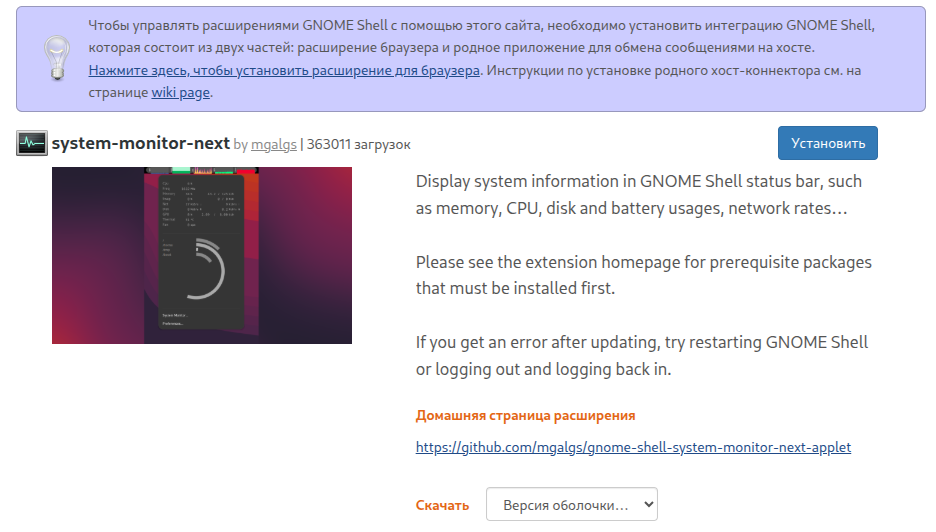
To make this work, you will need:
sudo apt-get install gnome-tweaks \\
gnome-shell-extension-manager \\
gnome-shell-extension-tool \\
gnome-shell-extensions
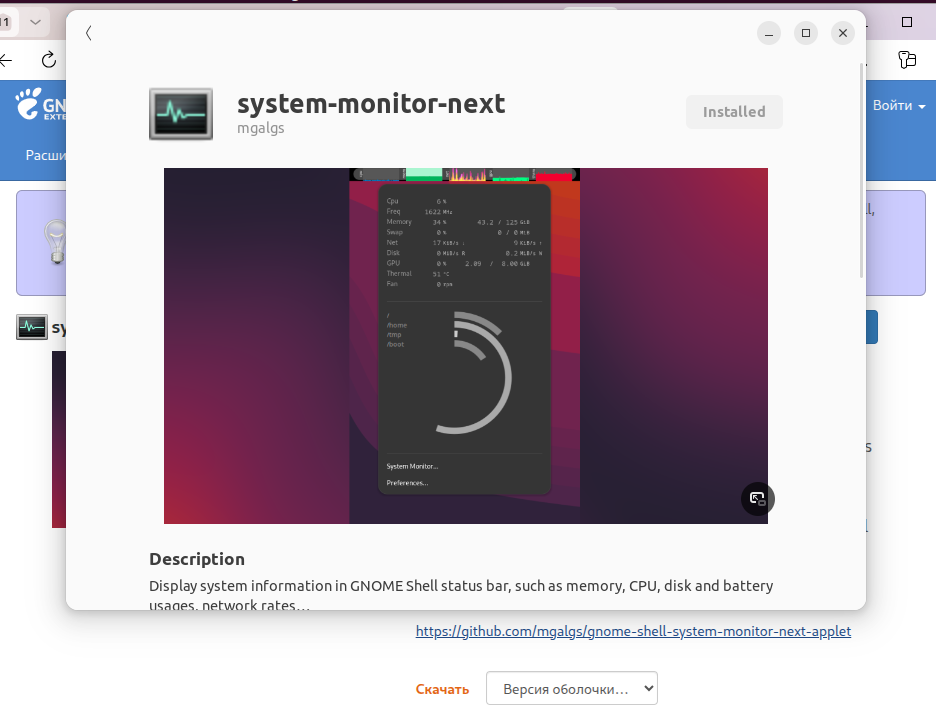
Click the Install button, and the gnome-tweaks window will open:
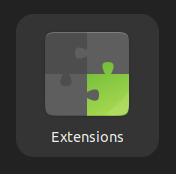
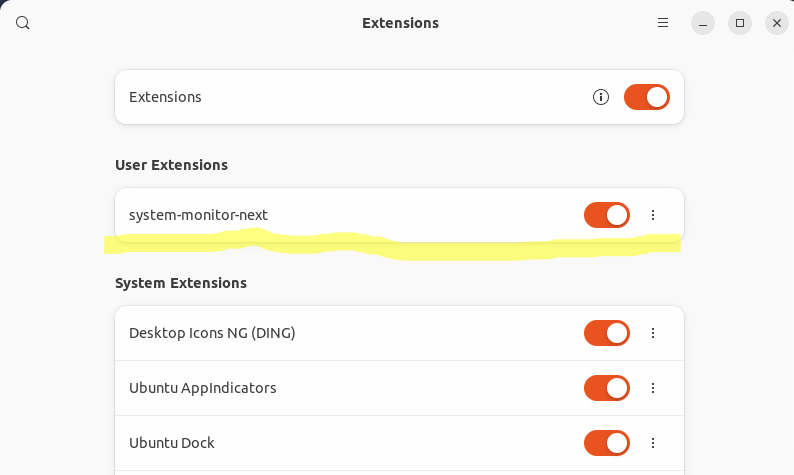
After installing the extension, you can find it via its icon: